

Entity Culling
Mod · by tr7zw · 192.5M downloads · Minecraft 26.3
Why Minecraft draws things you cannot see
The game already ignores whatever is behind your camera, yet it still renders every mob, chest, sign and item frame in front of you – even when a mountain, a floor or your own base walls hide them completely. Entity Culling by tr7zw removes that waste. It works out what is truly in your line of sight and stops drawing entities and block entities that are blocked.
How much FPS you gain depends on where you stand and how many entities are around. Chest rooms, villages, mob farms and crowded server spawns benefit most; an empty plain has little to hide. The author's comparison screenshot was taken in Scarland from Hermitcraft Season 9 at 16 chunks render distance, on Fabric 1.21.5 alongside Sodium, Iris and ImmediatelyFast.
How it works – async path-tracing
- Visibility is calculated with ray tracing on spare CPU threads, beside the main game thread rather than on it. Every few ticks the main thread hands over the data the tracer needs.
- Results update in real time, so objects popping into view late is kept to a minimum.
- It deliberately leans toward safety: an entity pressed against a wall or ceiling may still render through it, because it could be clipping into view.
Why on the CPU and not the GPU?
The aim is to lower GPU load and avoid shuffling extra data between GPU and CPU. Doing the work on the graphics card would likely add load to both the GPU and the render thread. The author has said they would welcome a GPU version as a contribution but lacks the time to write one.
Tick culling
Besides skipping the drawing, the mod can reduce the client-side work done for entities you cannot see. This stays inside your own client world, so server logic, farms and mob AI behave exactly as before. It is configurable and works with most mods.
Settings you can change
- Every feature can be switched on or off in the config screen.
- A whitelist for entities and block entities that must never be culled or tick-culled.
- A leaves as solid option for Fast graphics or custom leaves, which lets foliage block sight lines and helps a lot in forests.
- A debug toggle key (set it under Controls) to flip the mod on and off live, compare performance without restarting, and find out whether a visual glitch comes from this mod or another one.
Known issues and fixes
- Client-side entities that magic mods use for effects and animations may act strangely. Whitelist them for entity culling and/or tick culling, and report their IDs on GitHub so they can be handled by default later.
- Block entities that render beyond their bounds need whitelisting too – the vanilla beacon, Create's pulleys and some Botania blocks are typical examples.
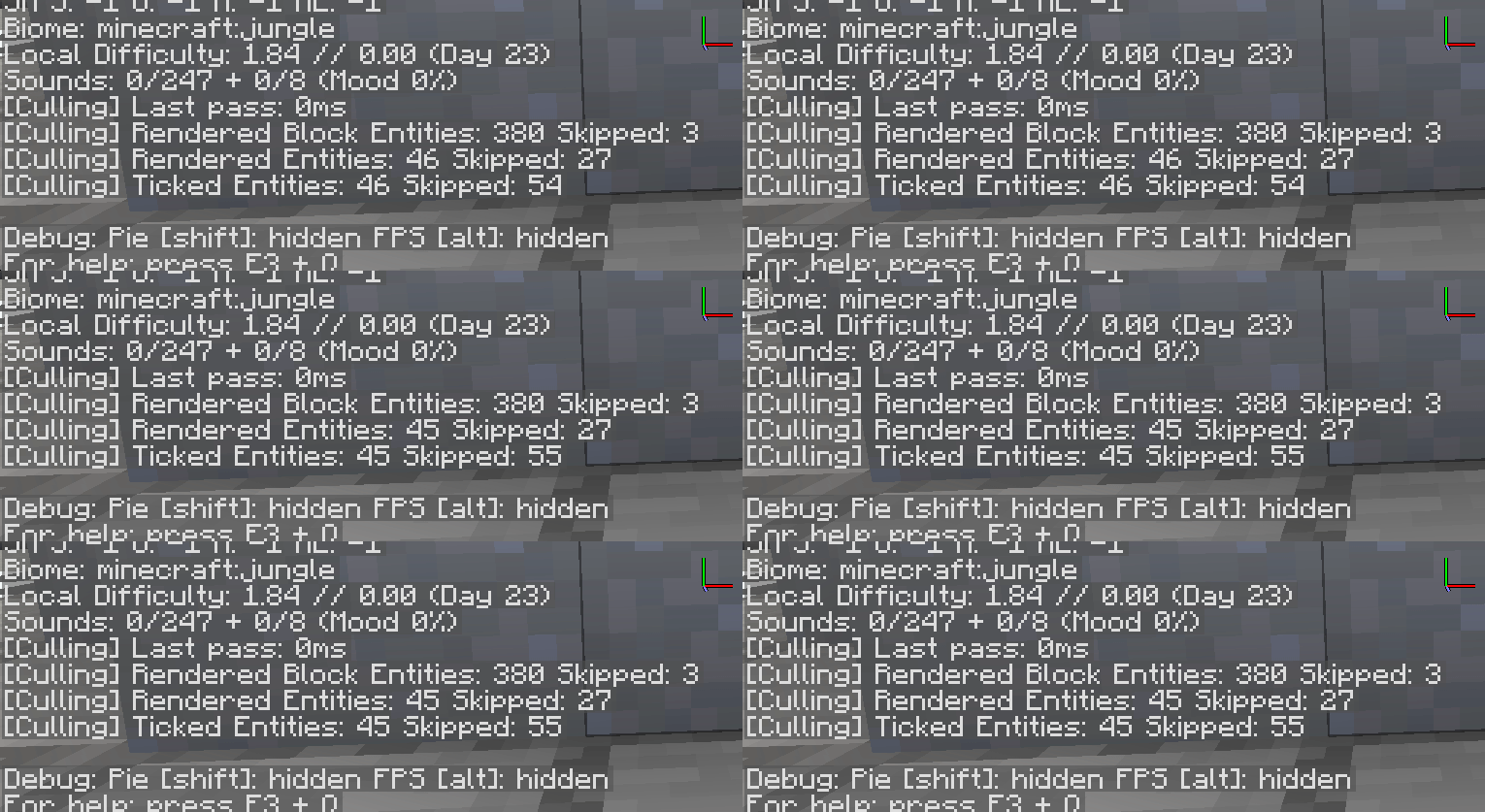
- F3 numbers look wrong – the entity counts on the debug screen (hidden by default in newer versions, shown with F3+F6) are internal statistics, not exact render counts. Shaders raise them because of shadow passes.
- Very old PCs – when a processor is already running flat out, the tracer has no idle cycles to use and the mod may not help. Outside that case it should never lower performance; at worst it does nothing because nothing needed culling.
Versions and requirements
| Minecraft | Loader | Status |
|---|---|---|
| 1.19.4 and newer | Fabric, Forge, NeoForge | Actively updated |
| 1.16.5 – 1.19.2 | Forge, Fabric | Outdated, may be updated someday |
| 1.12.2 and 1.8.9 | Forge | Outdated, may be updated someday |
| 1.7.10 | Forge | Outdated, no updates planned |
| Beta 1.7.3 | Babric | Outdated, no updates planned |
On Fabric and Quilt you also need Fabric API. It is client-only – nothing goes on the server.
Credits and licence
The mod grew out of RoboTricker's Transport-Pipes plugin. The Babric Beta 1.7.3 port came from vicisacat and the Forge 1.7.10 port from Pelotrio, with translations from the community. It uses the tr7zw Protective License: you can add it to modpacks hosted on Modrinth or CurseForge and show it in YouTube videos without asking, but must not reupload the JAR elsewhere. Bugs go to the GitHub issue tracker.
Good companions
It fits neatly into any performance setup next to Sodium, ImmediatelyFast and More Culling, which optimise other parts of rendering.
FAQ
Does Entity Culling need to be installed on the server?
No. It is purely client-side and the server does not need it. You can join any server with it installed.
Will Entity Culling break my mob farms?
No. It only decides what your own client draws and ticks. Mobs still spawn, move and drop items normally because the server simulation is untouched.
Is it still useful if Sodium already has entity culling?
Yes. Sodium skips entities in chunks that are not visible, while Entity Culling checks the real line of sight, so it also hides things inside visible chunks that sit behind a wall.
How do I check whether Entity Culling is helping?
Bind its debug key in the Controls menu and toggle the mod on and off while playing, then compare FPS. The same key tells you whether a missing entity is caused by this mod.
Why does a beacon beam or modded machine disappear?
Some block entities draw far outside their own block. Add them to the whitelist in the config screen so they are never culled.
Gallery
Downloads by version
How to install this mod
- Install Fabric for the Minecraft version you play.
- Pick your Minecraft version + loader in the table above and click “Download” to get the .jar.
- Open
.minecraft/mods(Windows: type%appdata%\.minecraftin the address bar) and copy the file there. - Start the launcher, choose the Fabric profile and press Play.
💬 Comments
🔗 Works well with

✨ You might also like

Sodium
by jellysquid3
A high-performance rendering engine replacement for Minecraft, which greatly improves frame rates and reduces micro-stutter.

Iris Shaders
by coderbot
A modern shader pack loader for Minecraft intended to be compatible with existing OptiFine shader packs

FerriteCore
by malte0811
Memory usage optimizations

Lithium
by jellysquid3
No-compromises game logic optimization mod, useful for both single-player games and multi-player servers.

ImmediatelyFast
by RaphiMC
Speed up immediate mode rendering in Minecraft

Sodium Extra
by FlashyReese
A Sodium addon that adds features that shouldn't be in Sodium.