
Let Me Despawn
Plugin · by frikinjay · 26M downloads · Minecraft 26.3
The problem LMD fixes
In vanilla Minecraft, a zombie or skeleton that picks up an item – a dropped sword, armour from a dead player, even a stray piece of rotten flesh – becomes persistent. It will never despawn naturally. Over hours of play these mobs pile up in caves and dark forests, eating into the mob cap and the server's tick time. On modded servers with more mob types and higher spawn rates it gets much worse.
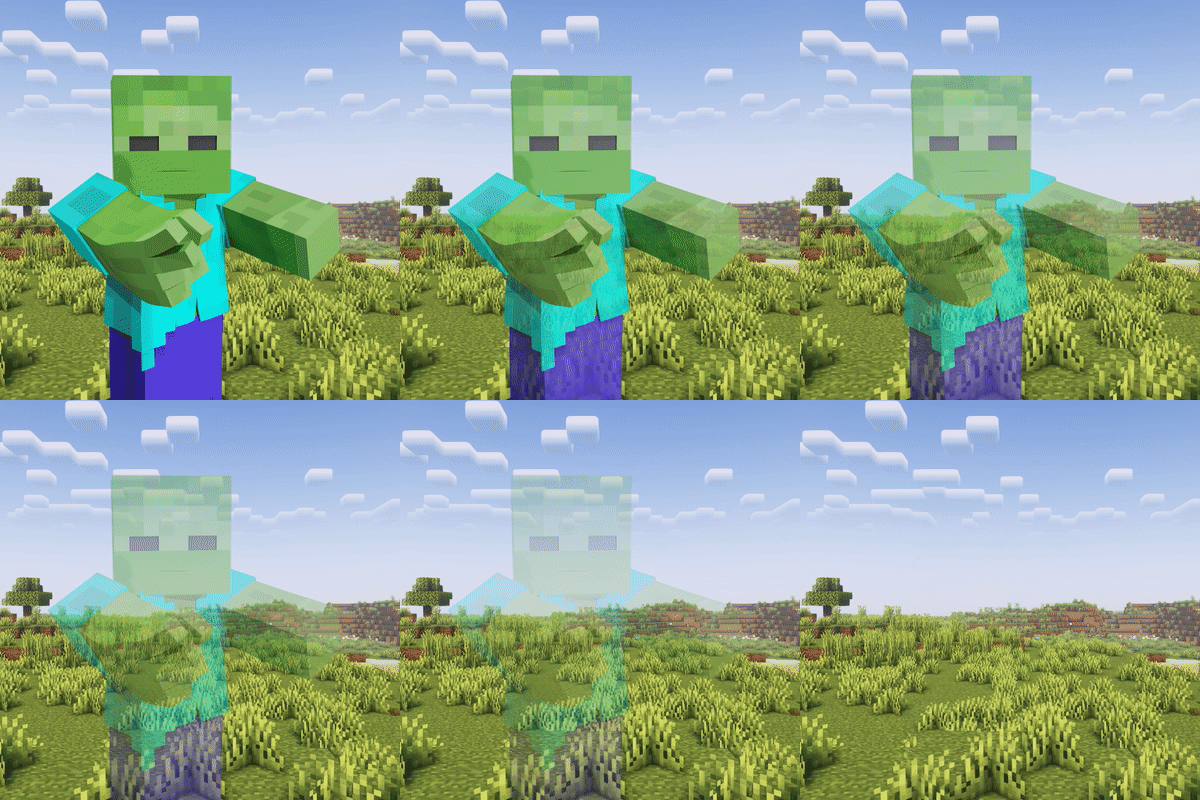
Let Me Despawn changes that one rule: mobs that grabbed or equipped items can despawn like any other mob. To make sure nothing is lost, the items they were holding are dropped on the ground at the moment they despawn.
Key features
- Natural despawning for mobs that would otherwise be stuck forever.
- Item-safe – picked-up and equipped items are dropped, not deleted.
- Name tags respected – named mobs stay, just as players expect.
- Exclusion list – keep vanilla behaviour for specific mob types.
- Server-side only – nothing to install on clients.
Configuration
From version 1.2.1 the settings live in config/letmedespawn.json. You can manage excluded mobs in game:
/letmedespawn add <mob>– keep a mob type persistent after picking up items./letmedespawn remove <mob>– return it to LMD's despawn rule.
Changes apply instantly, without restarting. After editing the file by hand, reload with /almanac reload.
Requirements and compatibility
- Server platforms on this page: Paper, Purpur, Spigot, Bukkit and Folia, from Minecraft 1.18 to current releases.
- Listed dependencies: Almanac (the author's library, which also provides the reload command) and Fabric API for Fabric builds.
- Works on singleplayer as well when installed as a mod, since the integrated server runs it.
Pair it with
LMD is a narrow fix, so combine it with other server tools: pre-generate terrain with Chunky to avoid chunk-loading spikes, and on modded Fabric servers add Lithium for general tick performance and Clumps to merge XP orbs.
FAQ
Do players need Let Me Despawn installed?
No. It is server-side only. Players join normally without it.
Will mobs lose the items they picked up?
No. When such a mob despawns, LMD drops everything it was carrying or wearing, so player gear is not deleted.
Will my name-tagged mobs despawn?
No. Mobs with a name tag remain persistent exactly as in vanilla. You can also exclude whole mob types with the in-game commands.
Gallery
Downloads by version
How to install this mod
- You need a Paper server (Paper recommended).
- Click “Download” to get the .jar for your server version.
- Copy it into the server’s
pluginsfolder. - Restart the server; config files live in
plugins/./
💬 Comments
🔗 Works well with

Almanac
by frikinjay
Almanac is a library used by my mods with mostly loader independent shared code between multiple mods to avoid duplication of code.

Fabric API
by modmuss50
Lightweight and modular API providing common hooks and intercompatibility measures utilized by mods using the Fabric toolchain.
✨ You might also like

Chunky
by pop4959
Pre-generates chunks, quickly and efficiently

Raknetify
by ishland
A Fabric mod / BungeeCord plugin that uses RakNet to improve multiplayer experience significantly under unreliable and rate-limited connections.

FastAsyncWorldEdit
by NotMyFault
Blazingly fast world manipulation for artists, builders and everyone else

Voxy Server Side
by XANTHA
Render distant Voxy LODs on servers

LagFixer
by lajczi
⚡️ Best Performance Solution! 🗄️Trusted by 3000+ servers! ✅ Lightweight and highly Asynchronous!

Luckywheel
by vale019539
Adds for generated chests a spinwheel with spawn eggs and mob lot